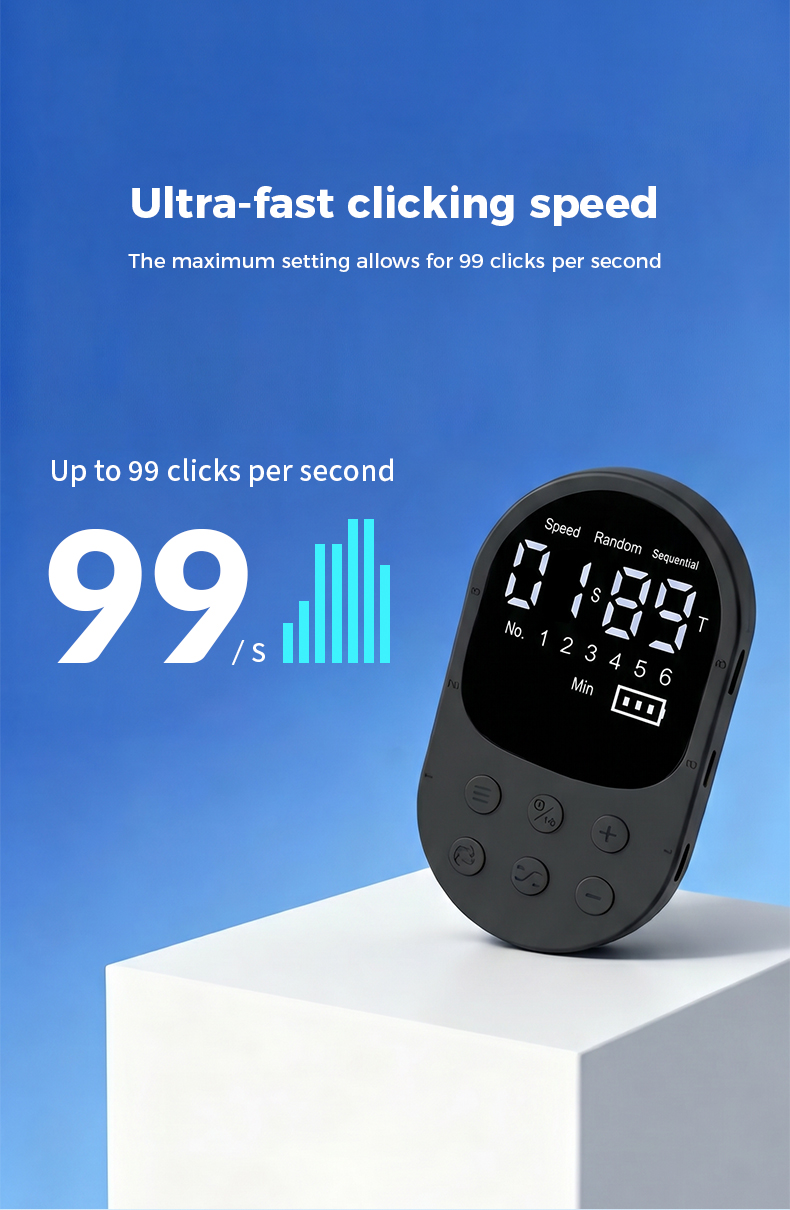
Ultra-wide timing range
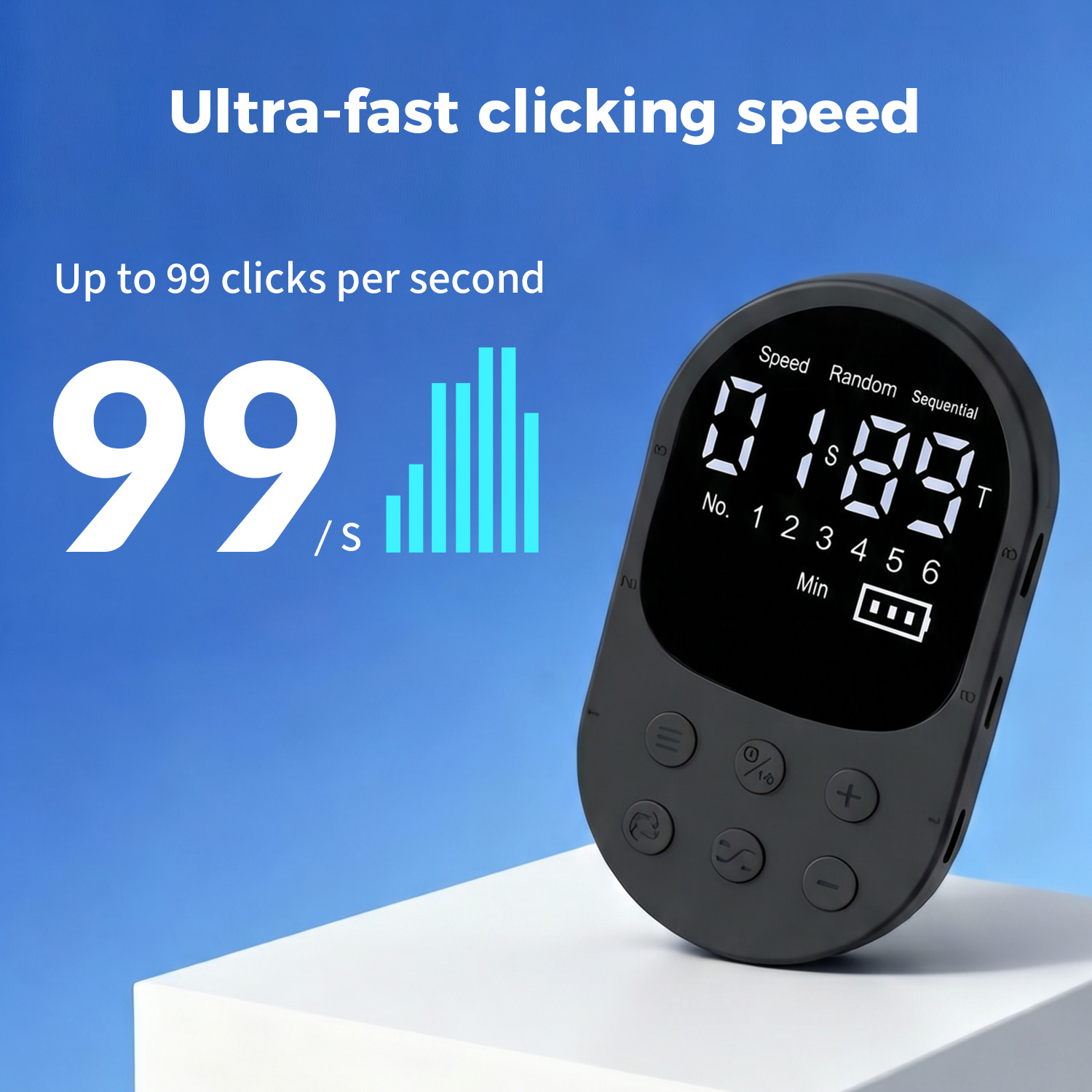
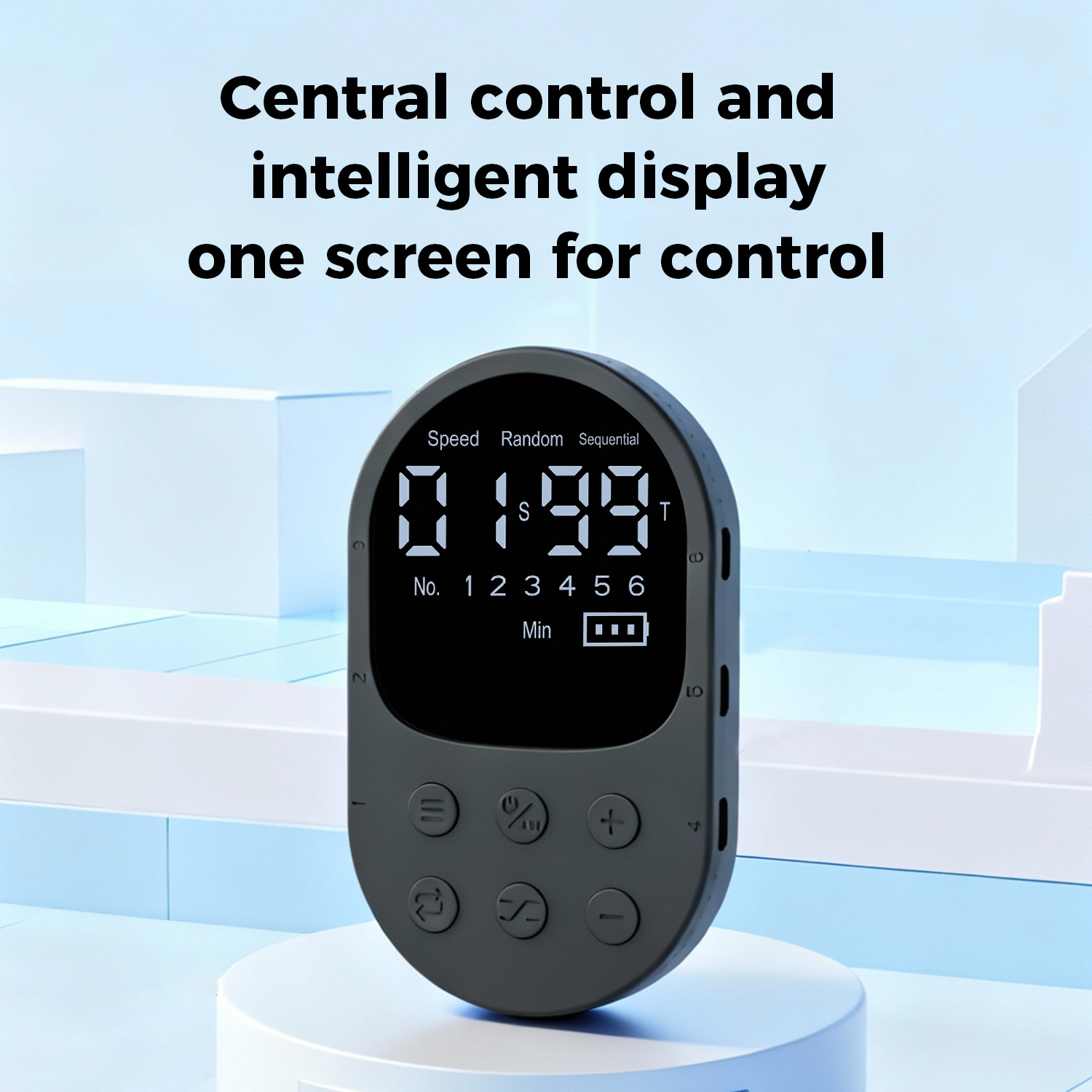
Run rapid tapping at up to 99 taps per second, or schedule a single tap at intervals as long as 999 minutes (16 hours 39 minutes).
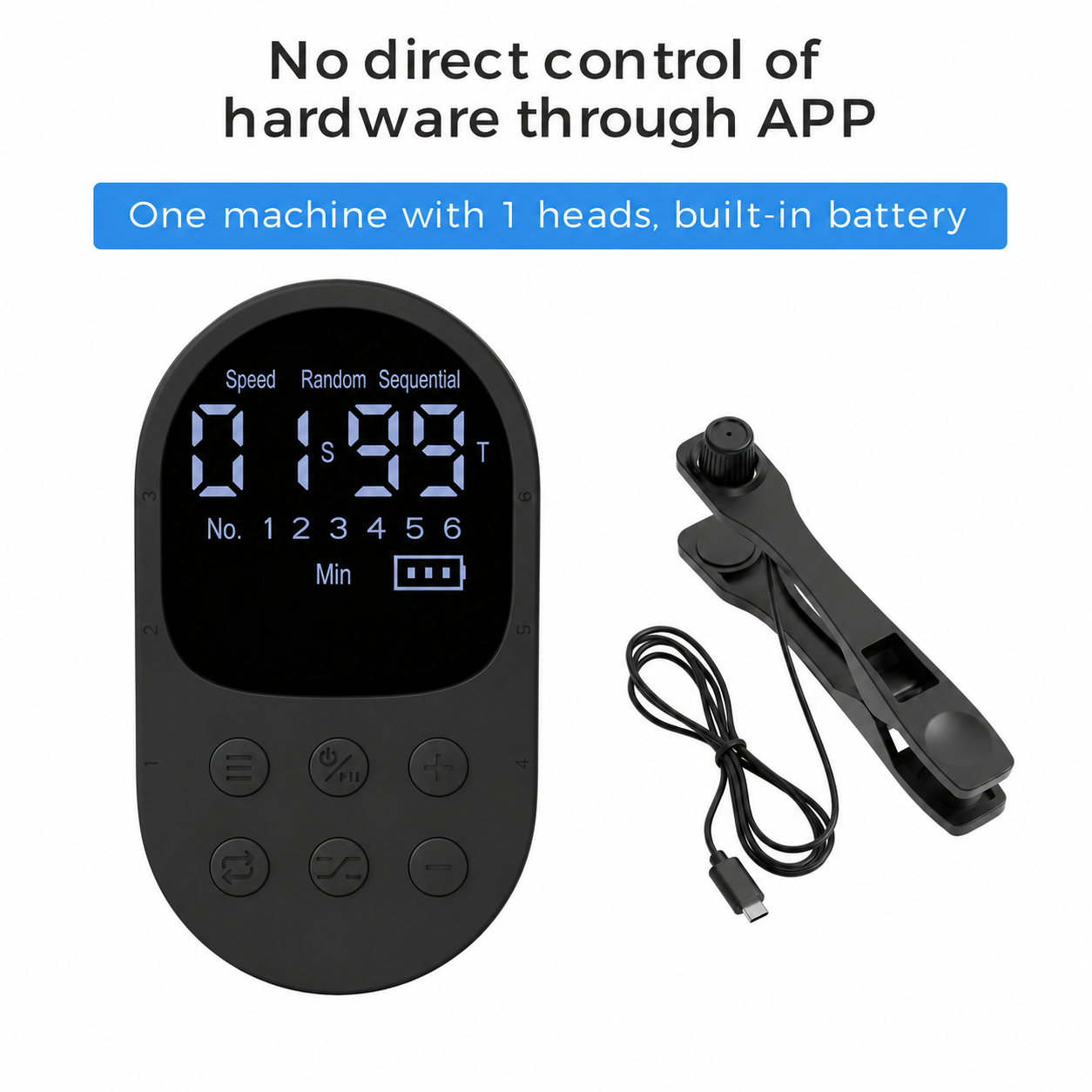
Auto Clickers · Model X1
Official LottoMigo product · Sold and supported by Guangzhou Yisheng Trading Co., Ltd..
Wired multi-point control for repetitive touchscreen tapping.
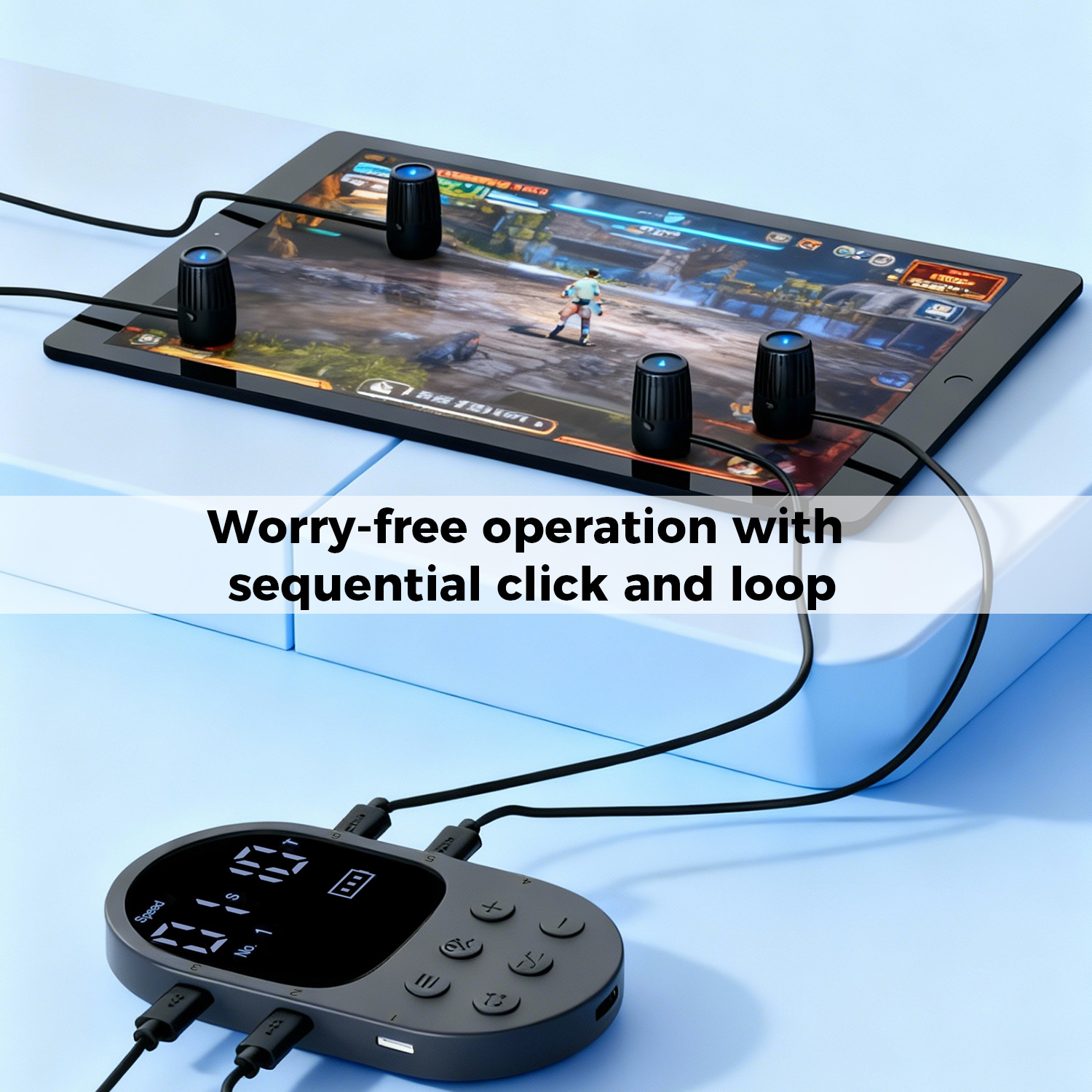
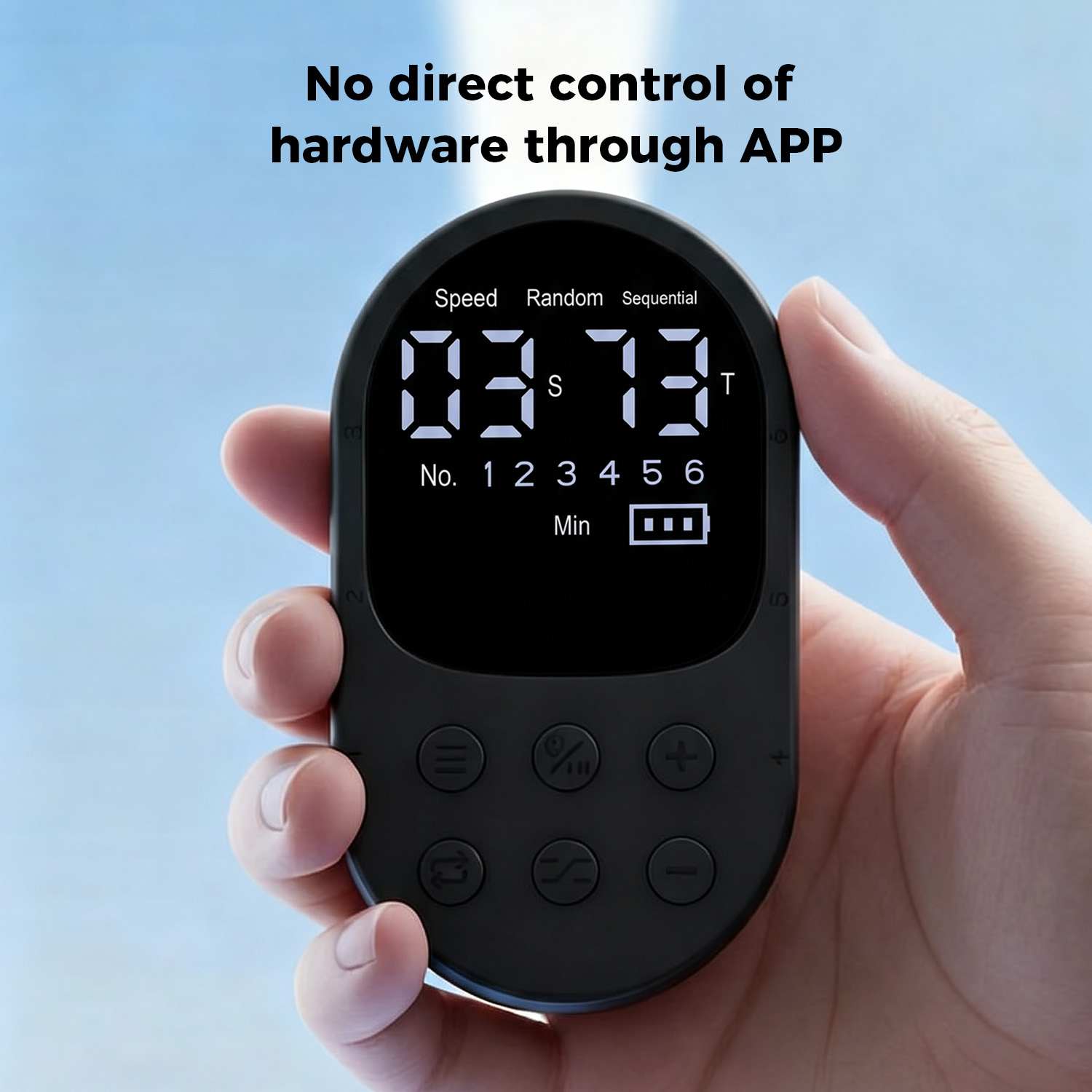
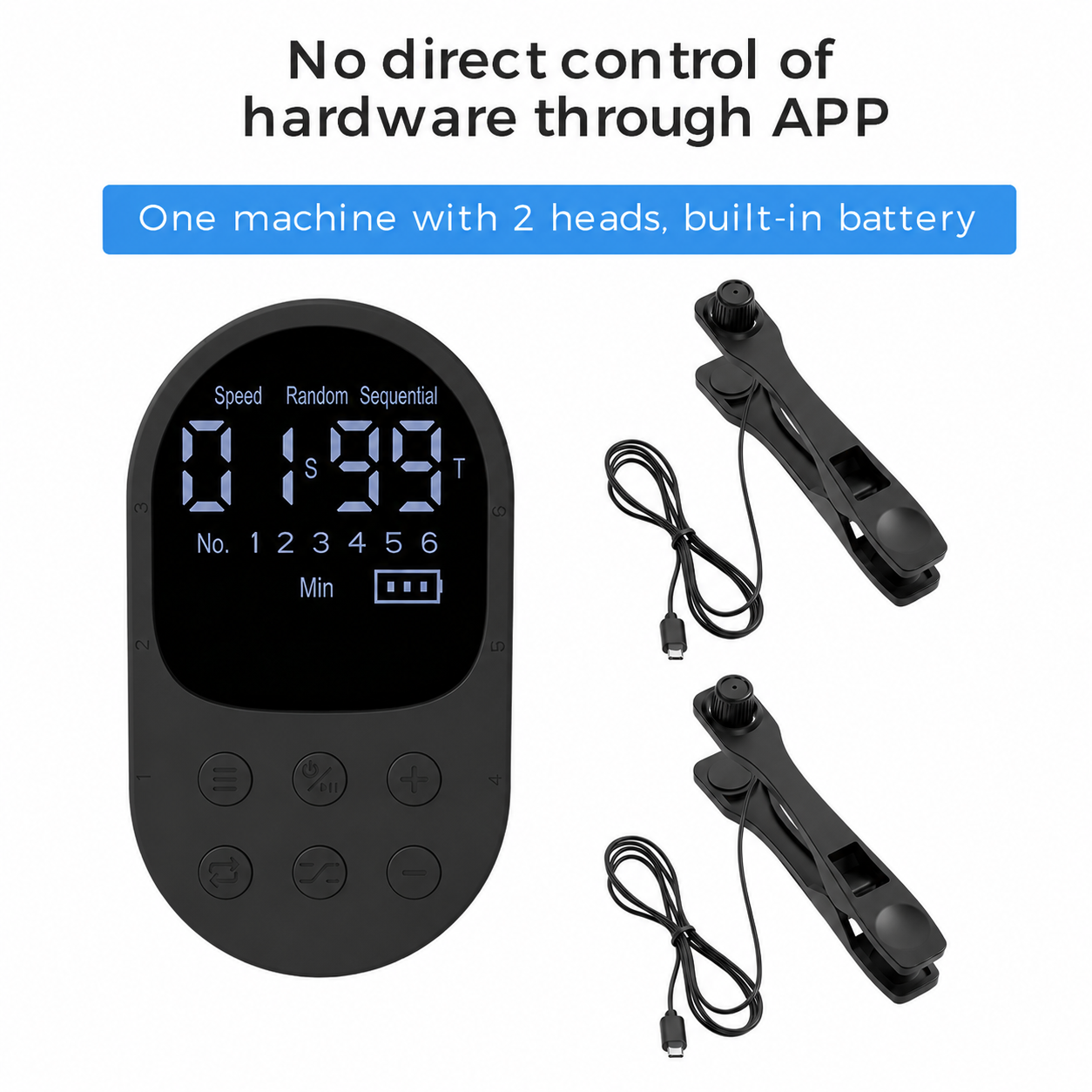
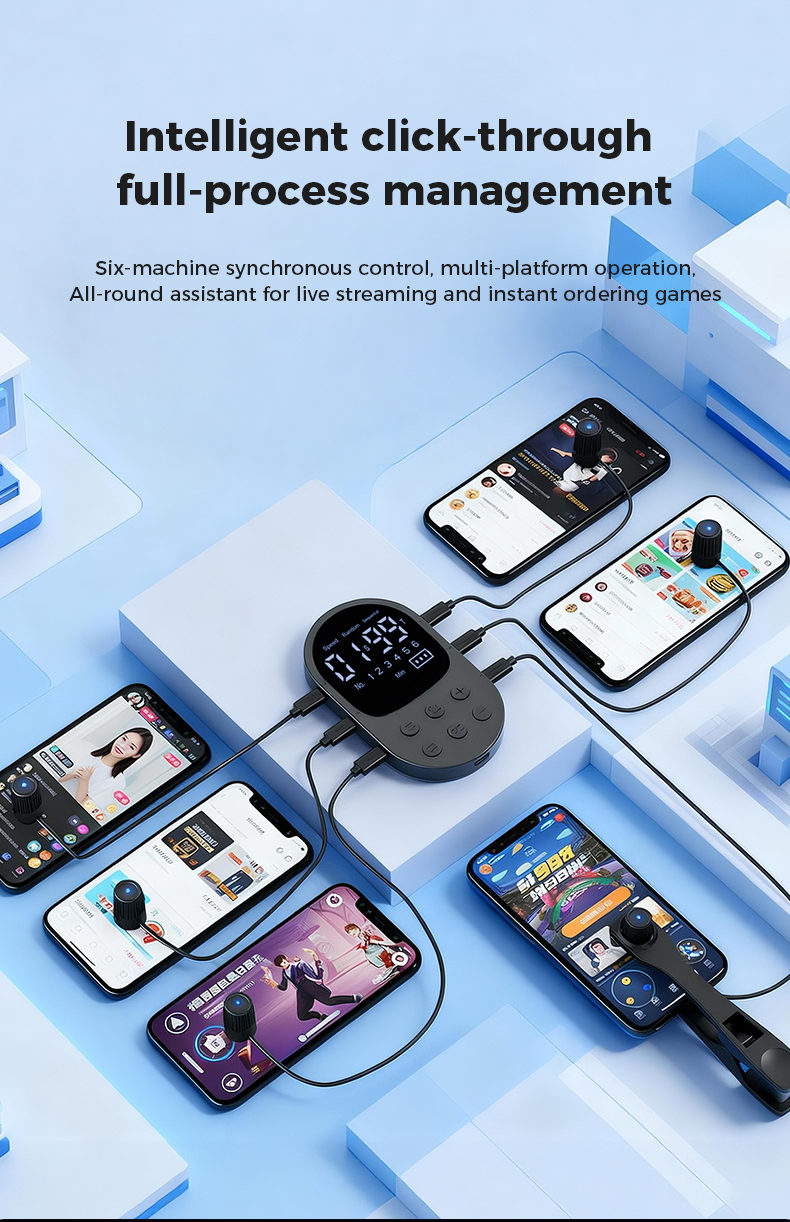
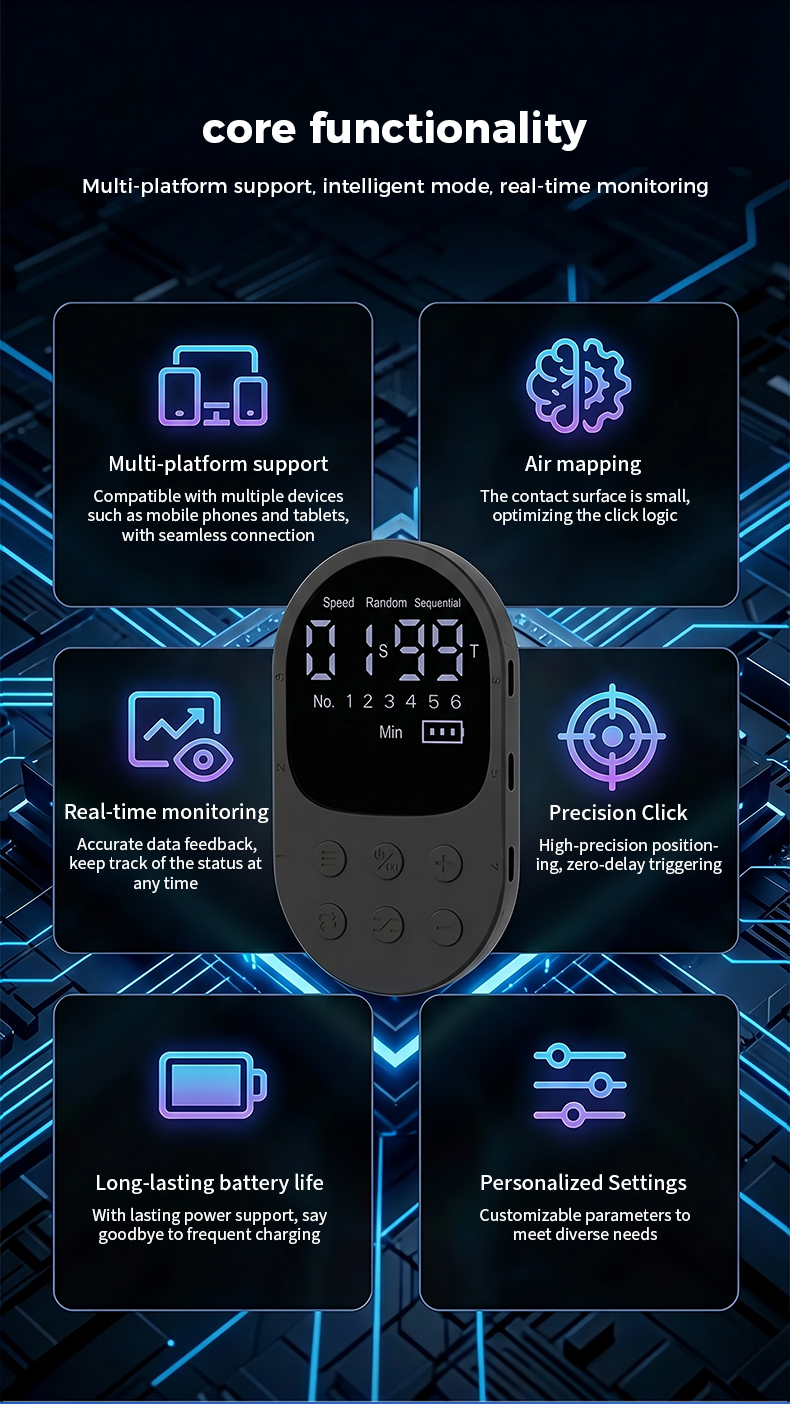
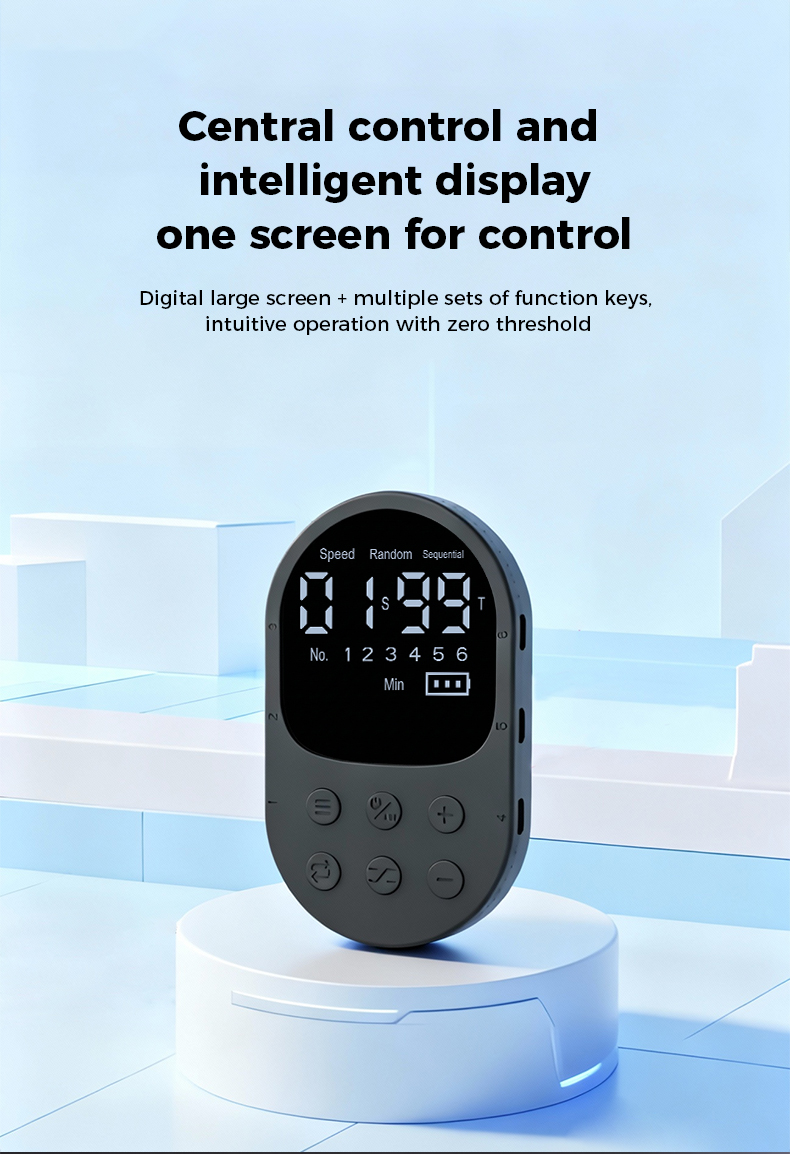
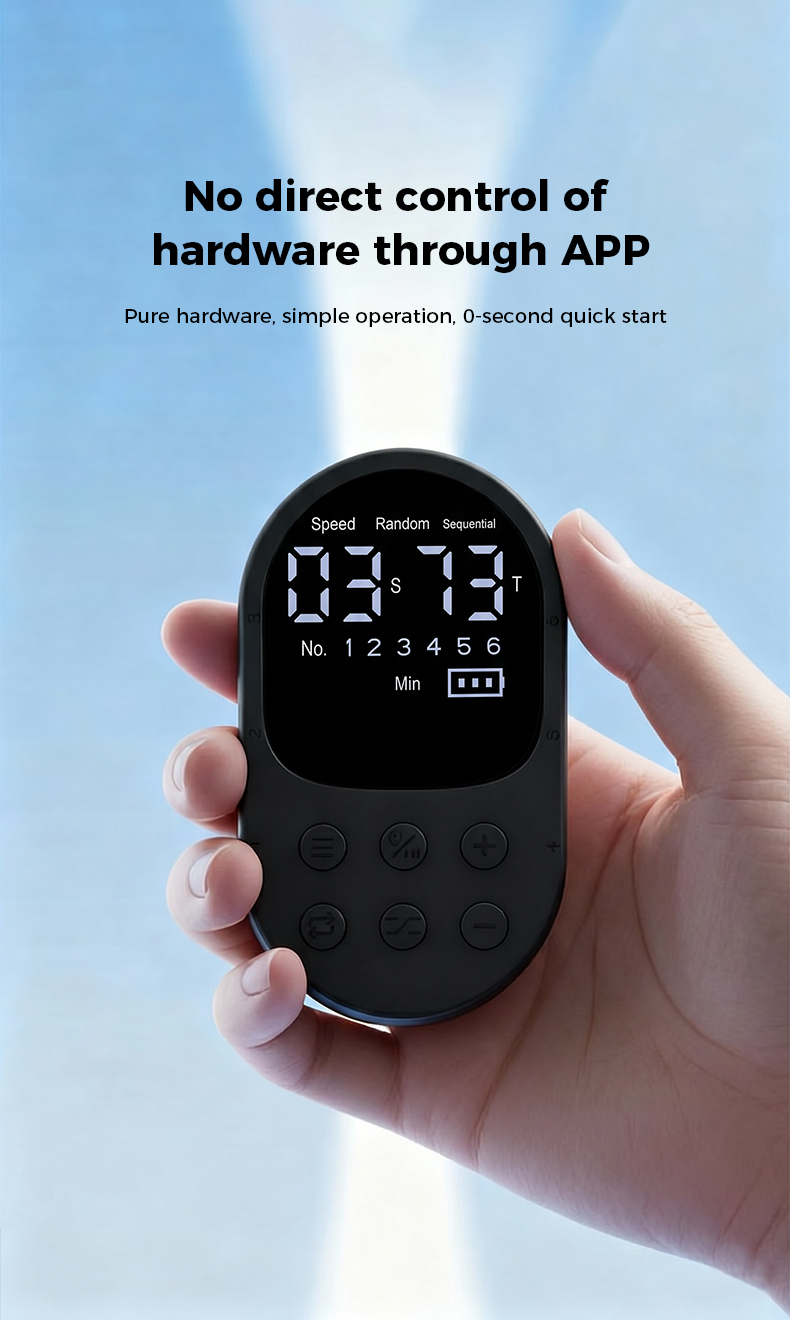
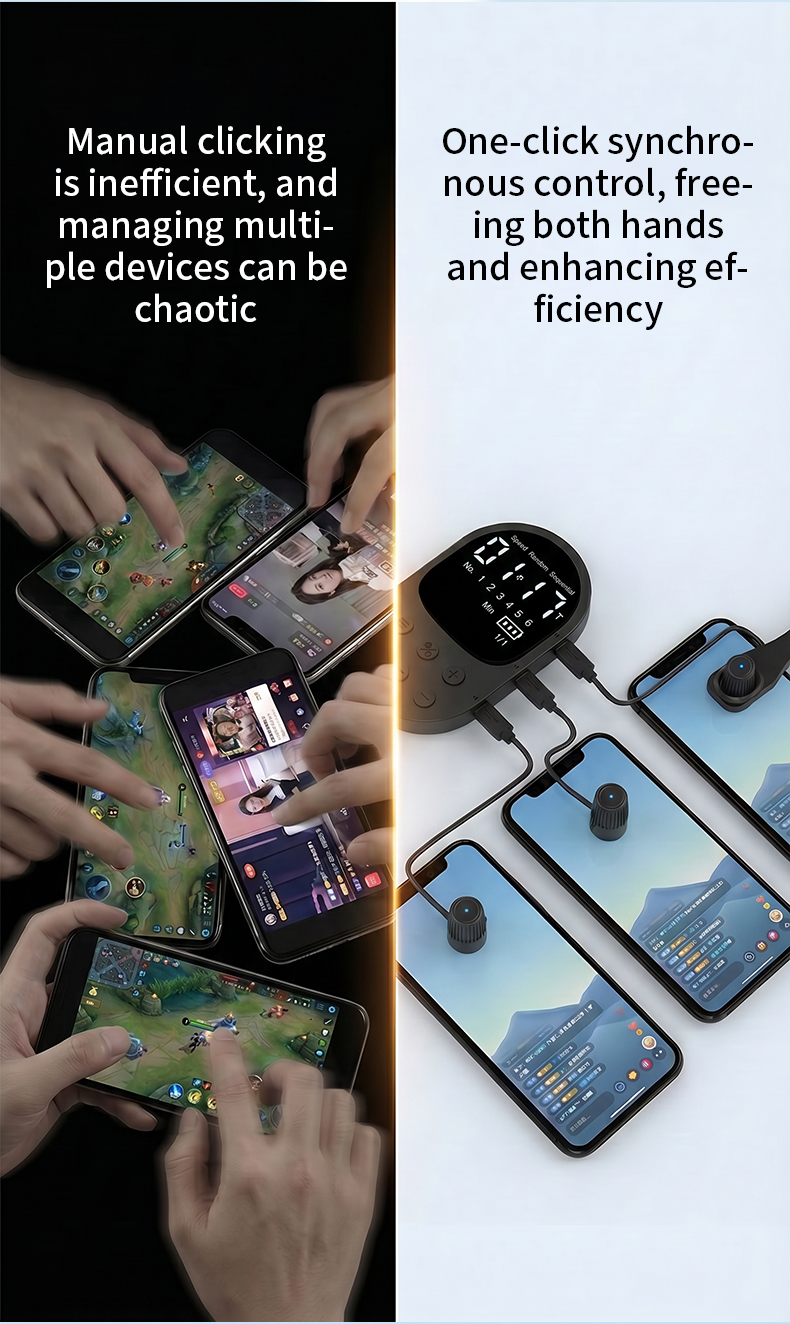
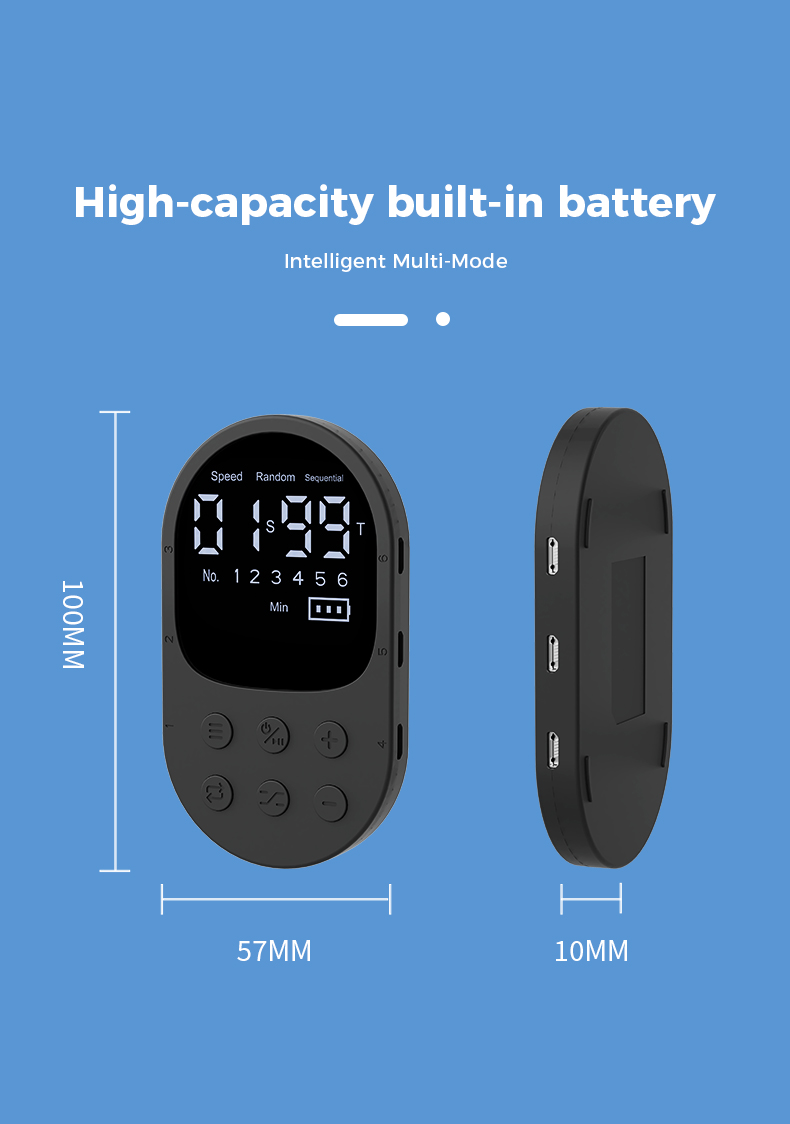
A display-equipped hardware auto clicker with independently configurable wired touch heads, three operating modes and a wide timing range. Choose one to six heads for the coverage your setup needs.
*Supported setting range shown in the X1 manual. Actual tapping performance depends on the connected device, screen response, placement and operating conditions.
US$5.00 for the first item in an order, plus US$2.00 for each additional item. Import duties, local taxes and customs charges are not included unless explicitly shown at checkout and remain the recipient's responsibility.
Ships within 2 business days · Tracked delivery
Product demonstration
A step-by-step English video manual covering the controller, wired click-head setup, button operation, timing, click-count settings and the X1 operating modes.
3 min 57 sec · English narration and subtitlesComplete gallery
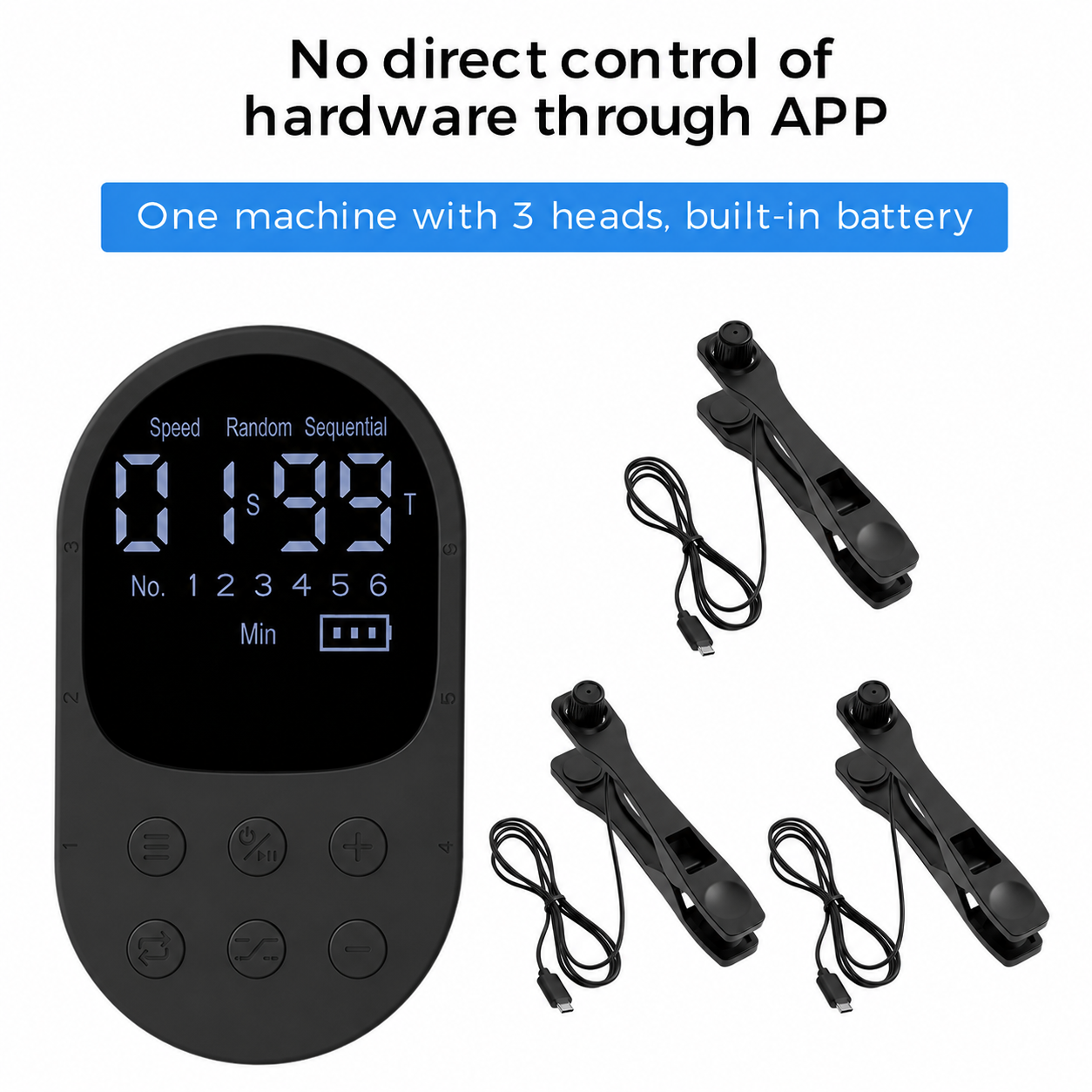
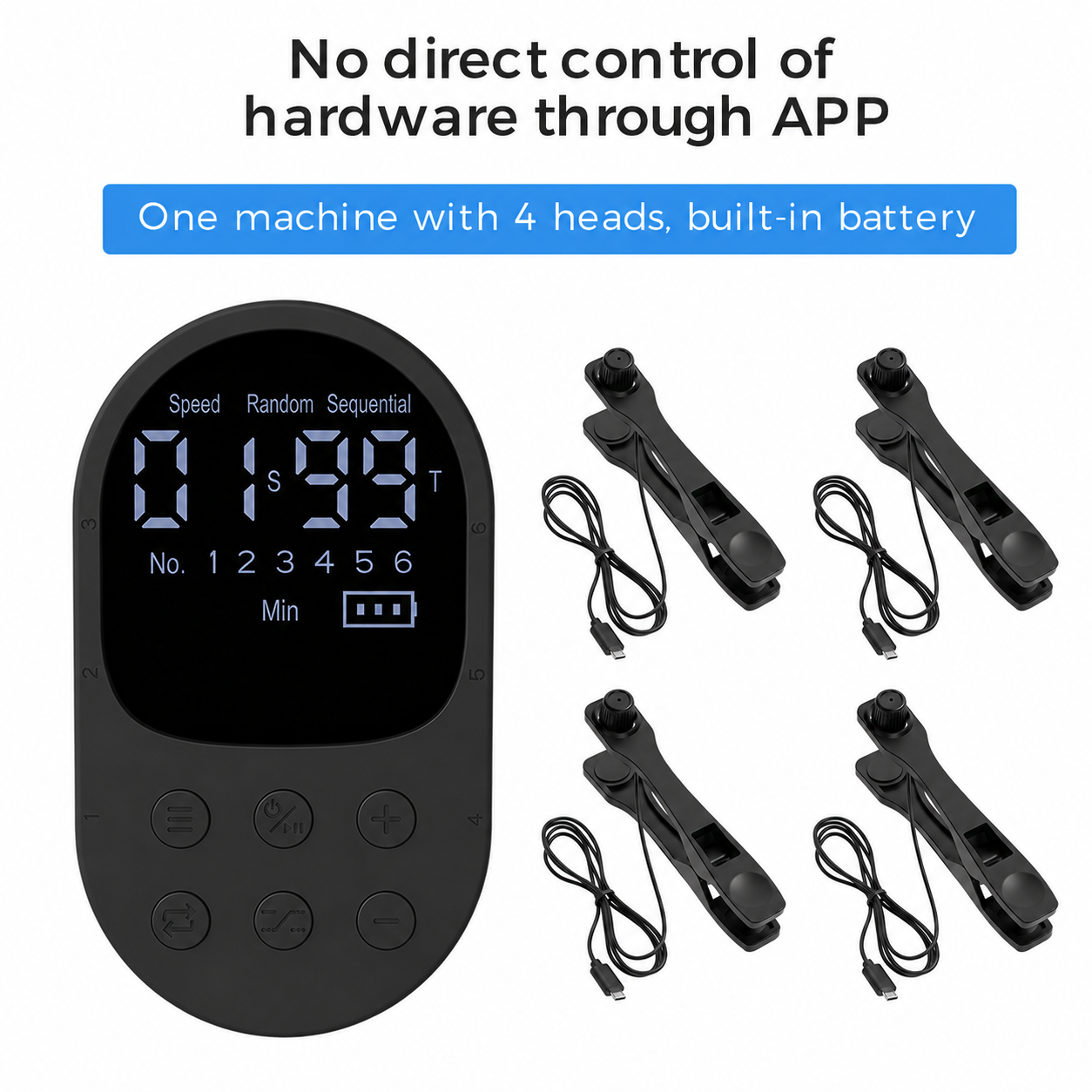
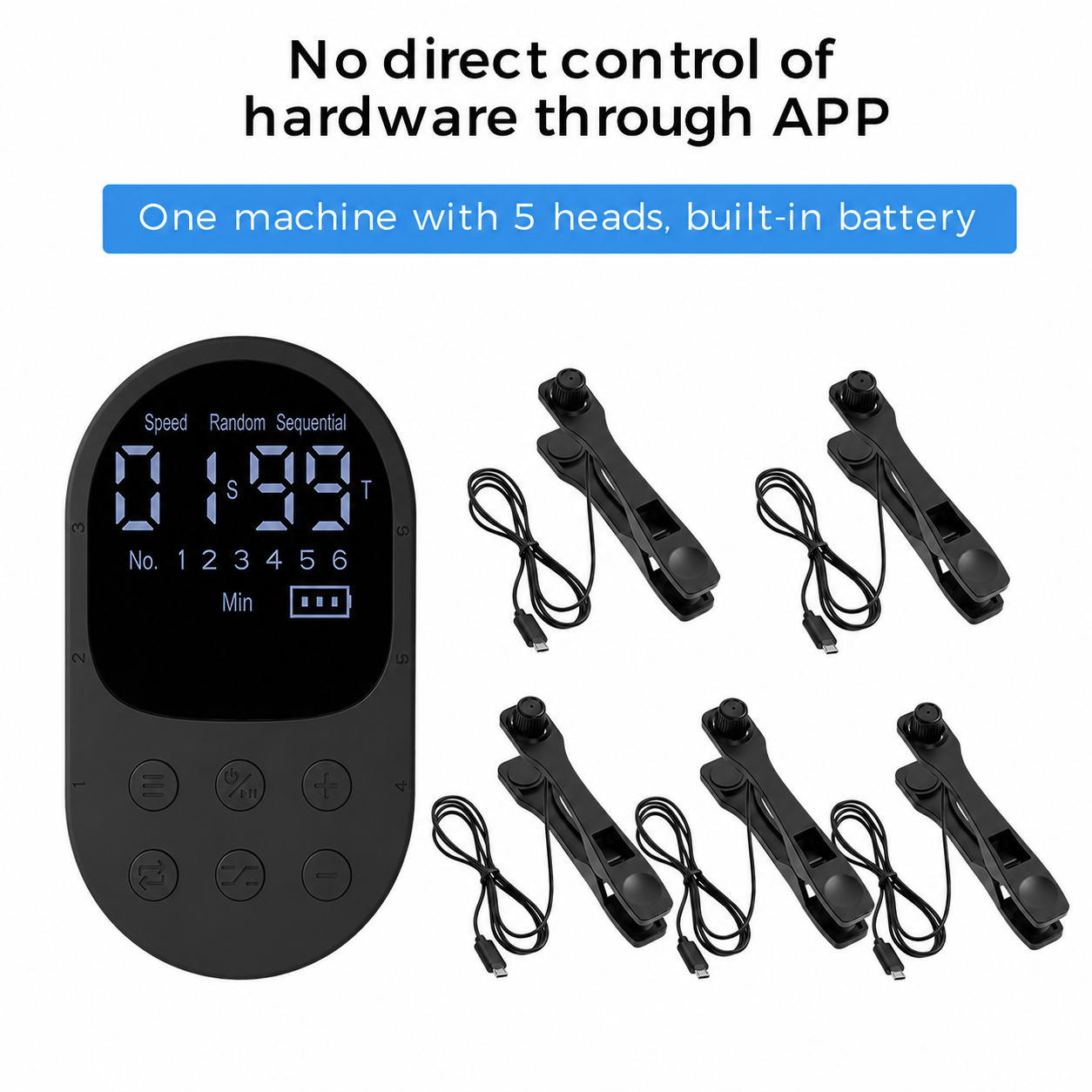
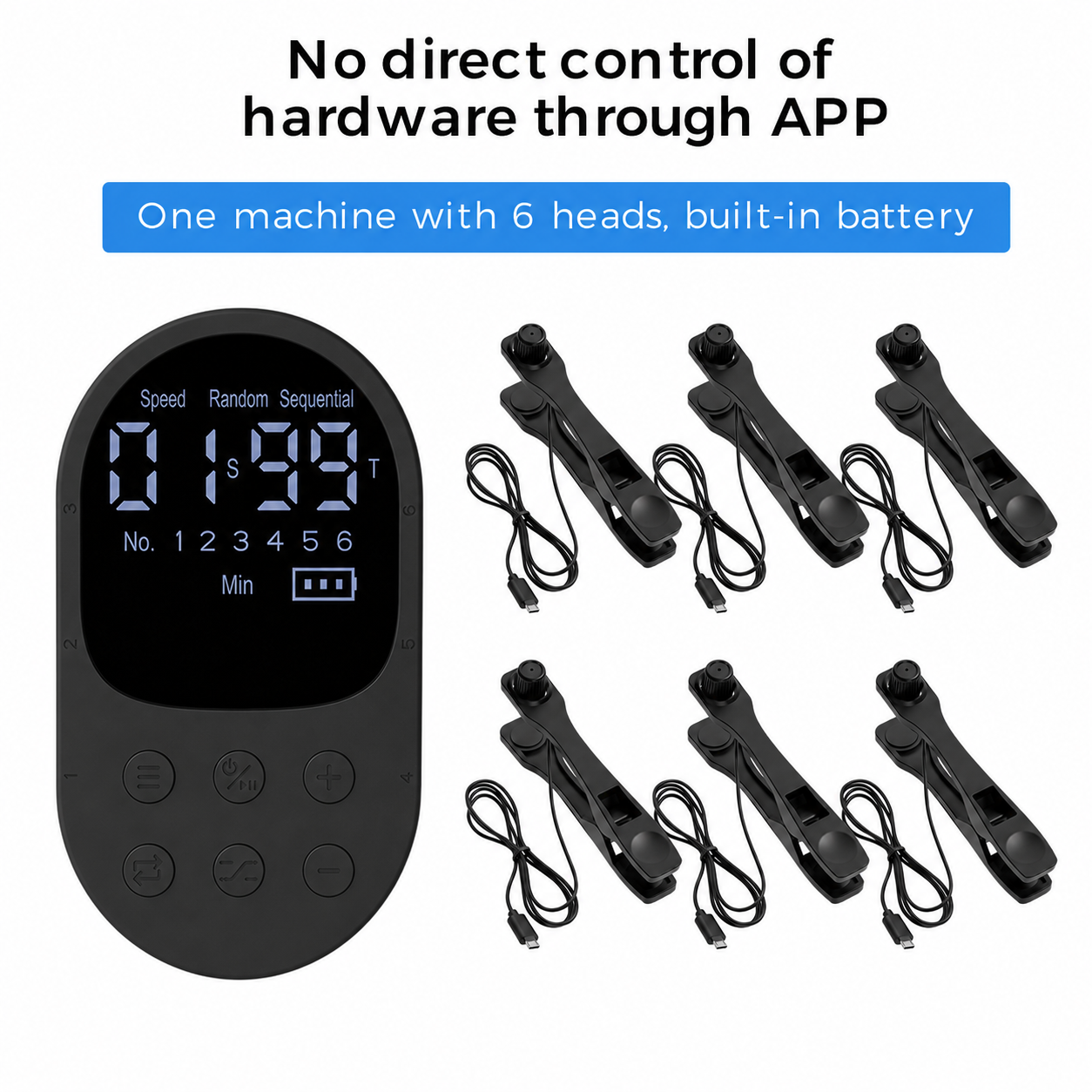
The complete matching English image set is shown without cropping important product text.
English detail page
The supplied detail-image sequence is preserved in its original order and aspect ratio.
Specifications
Functions & applications
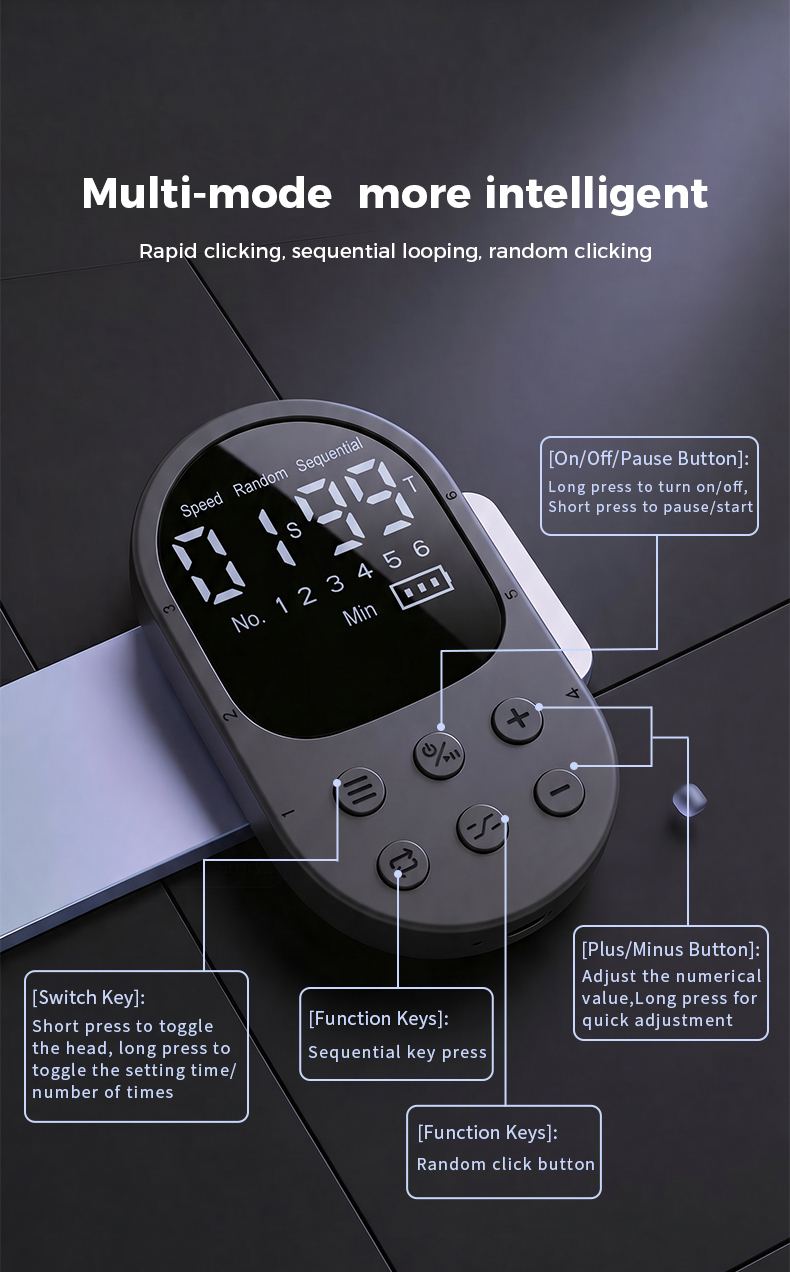
Run rapid tapping at up to 99 taps per second, or schedule a single tap at intervals as long as 999 minutes (16 hours 39 minutes).
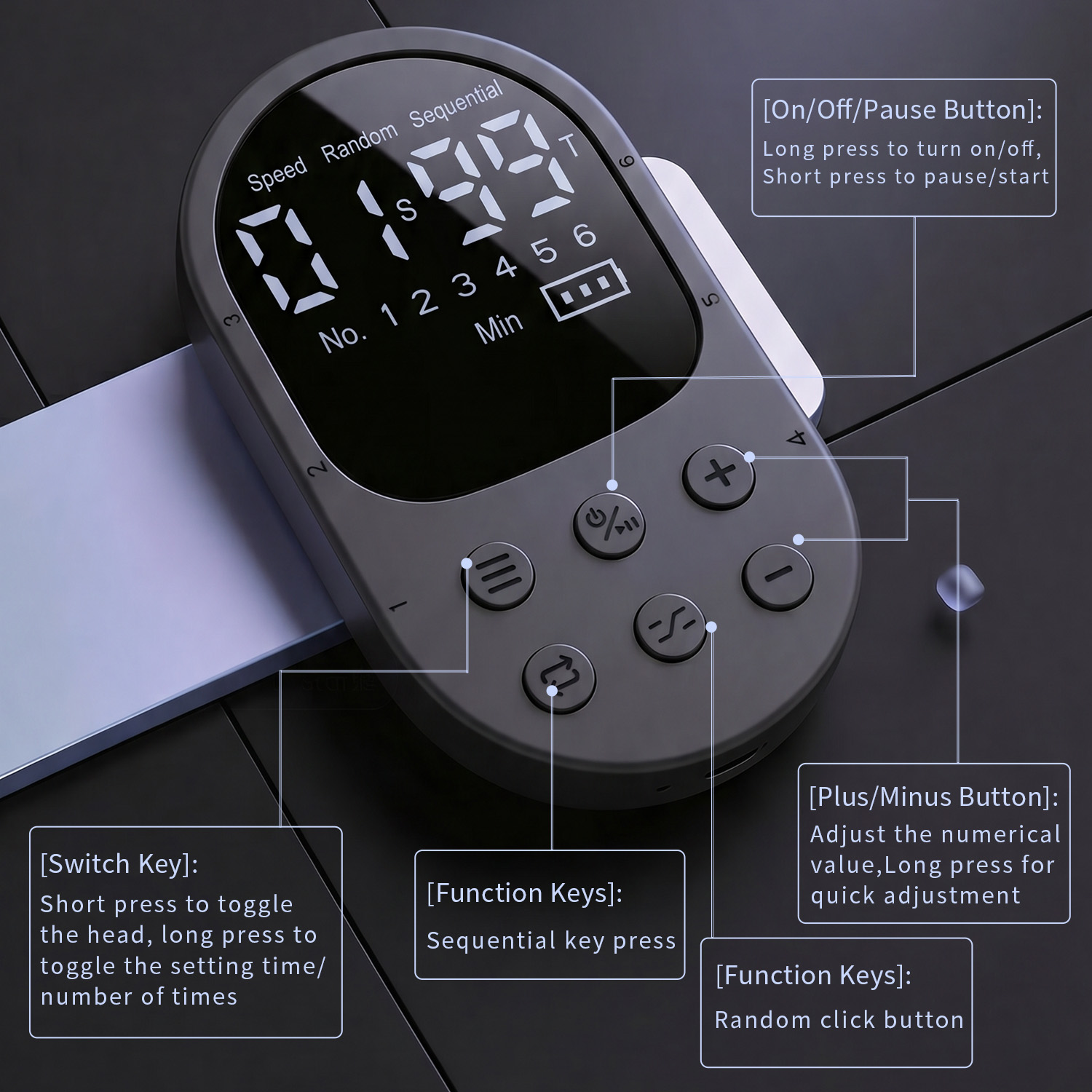
Set the operating time and tap count separately for each connected click head.
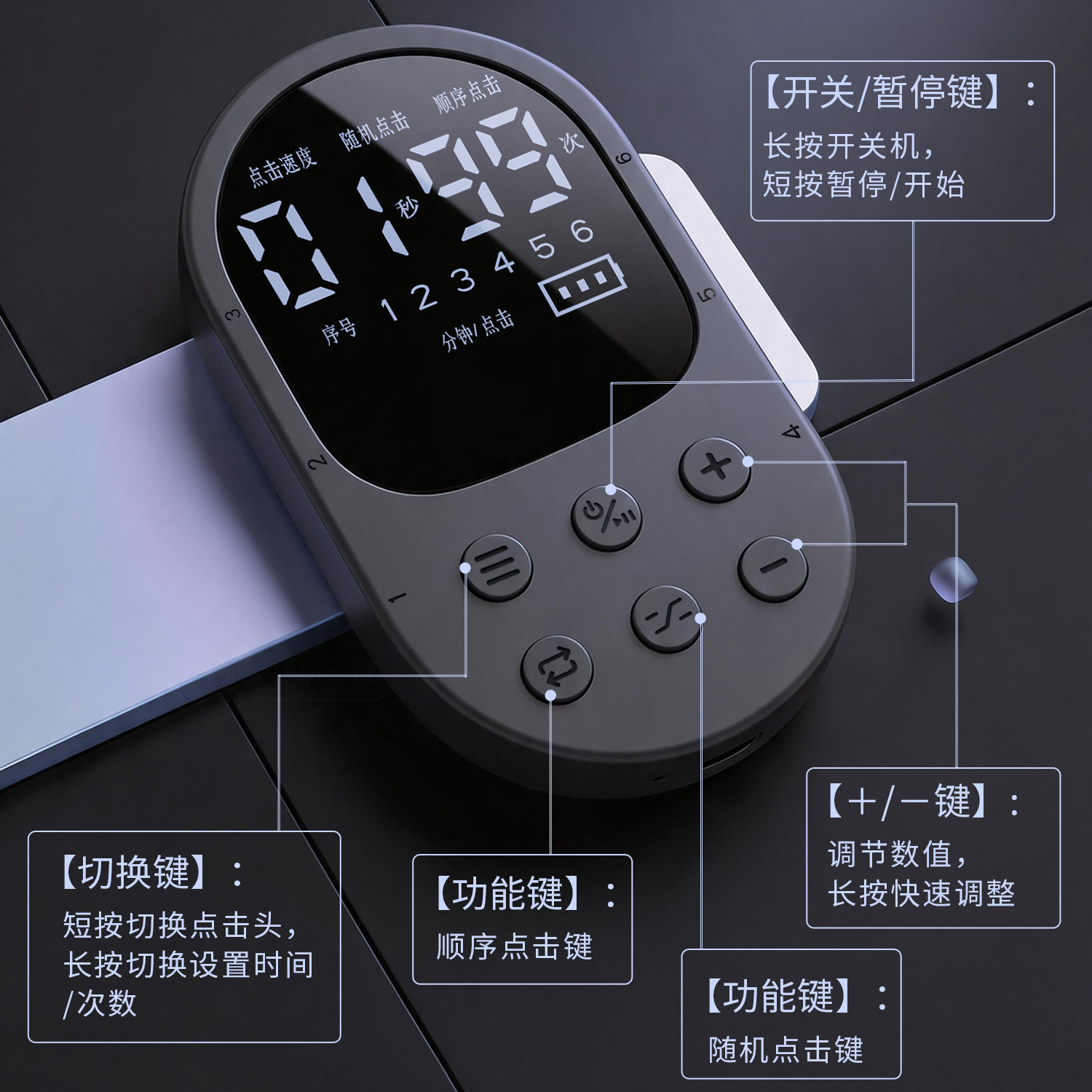
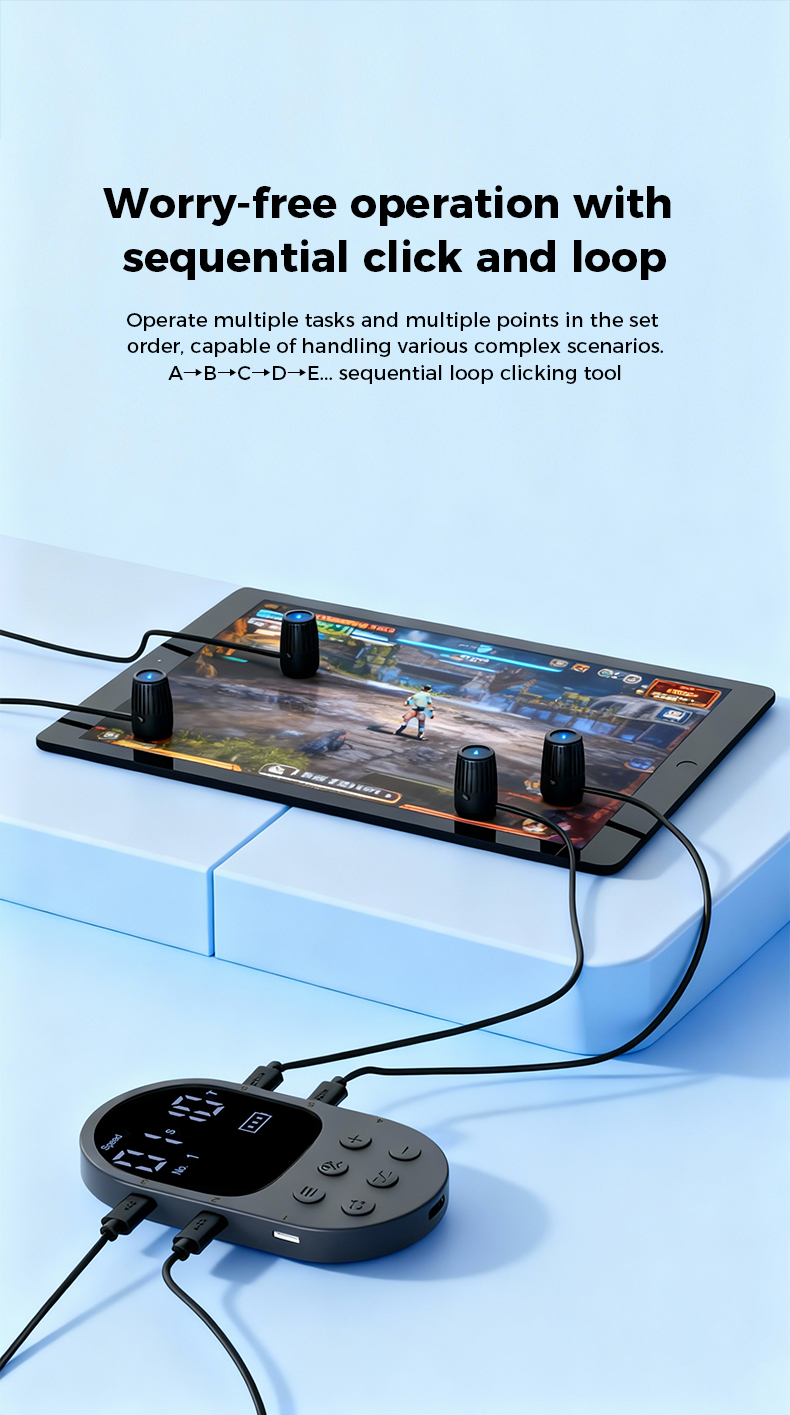
Run heads 1–6 in order with separate settings for each port. Set an unused port to 0 seconds and 0 taps to skip it.
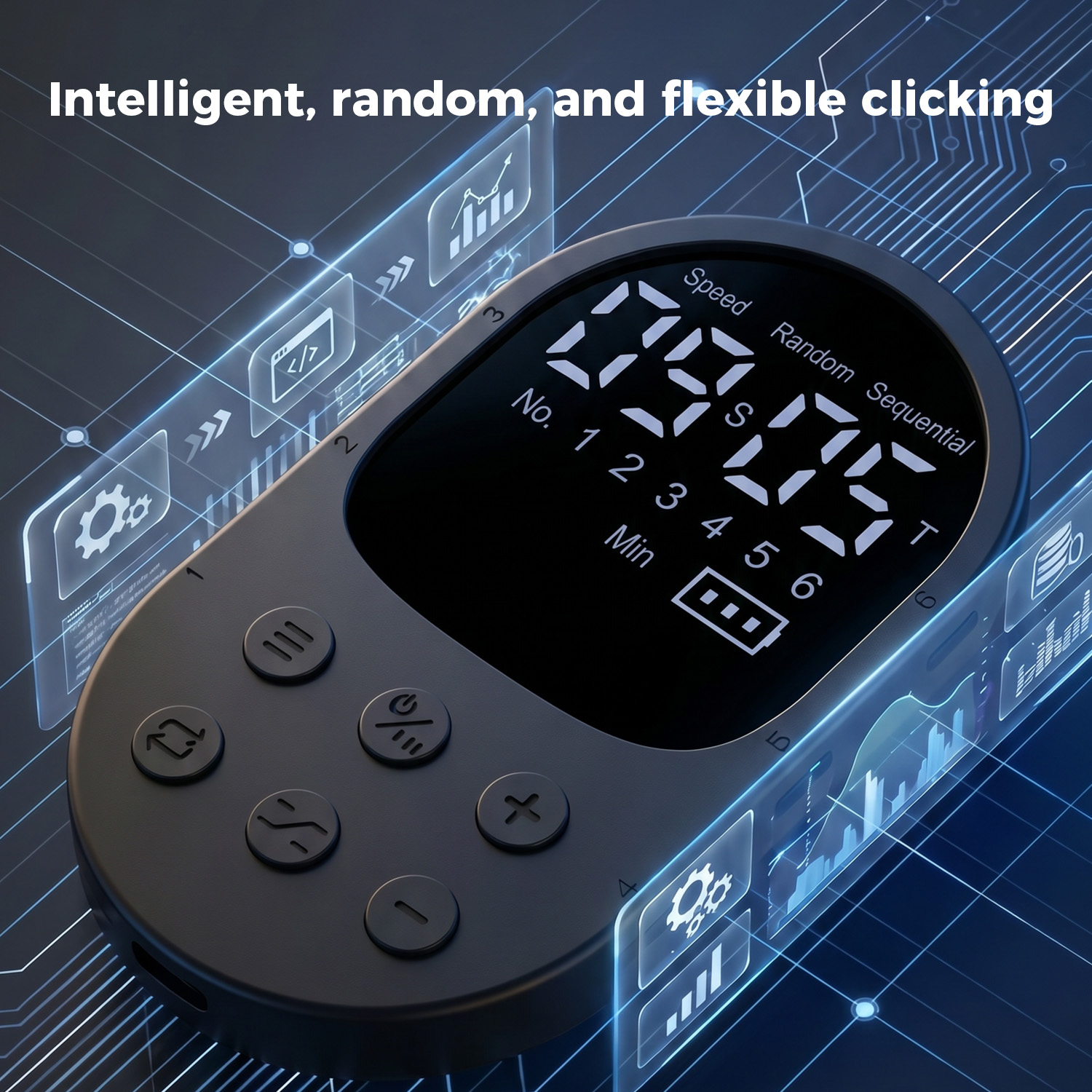
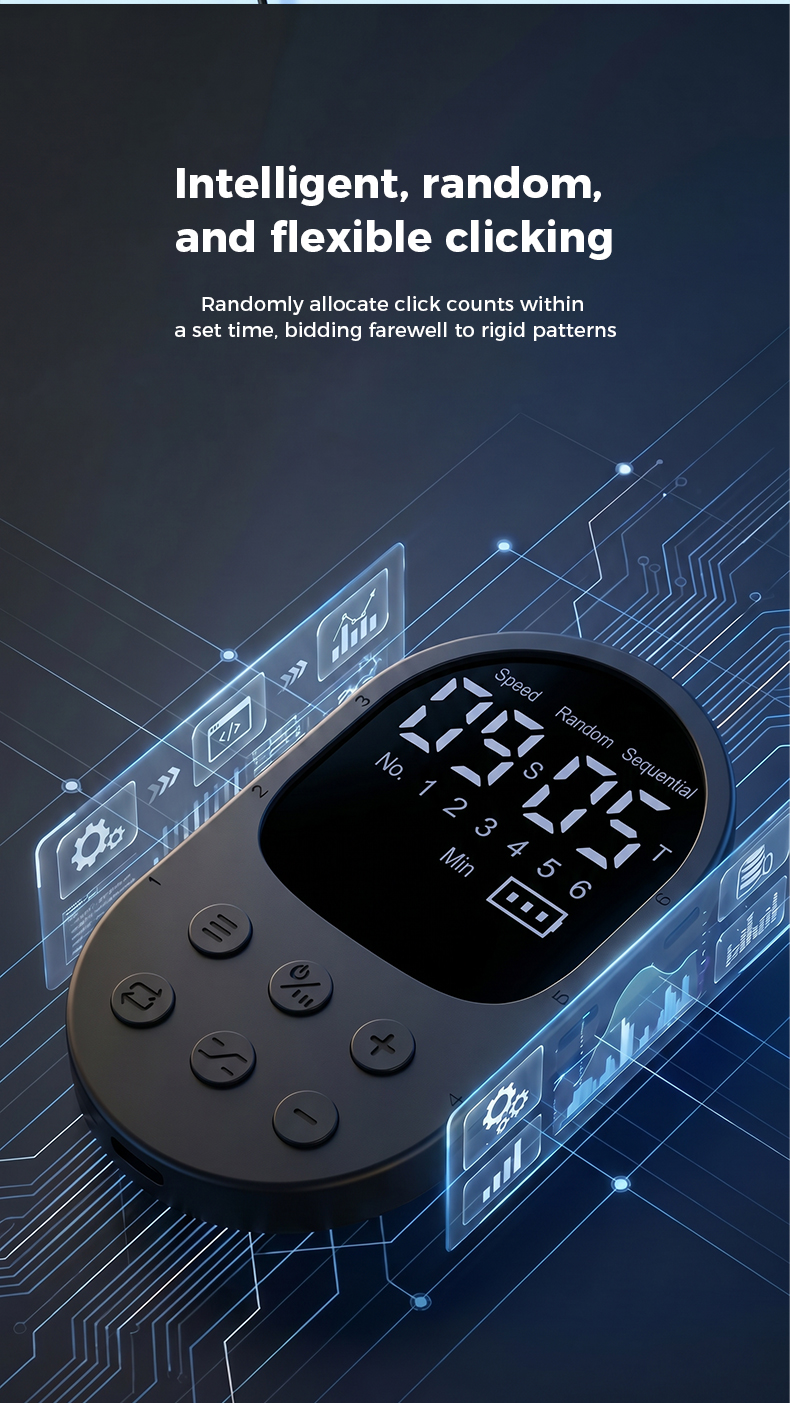
Choose a time window and tap count; the controller completes the selected number of taps at randomized moments within that window.
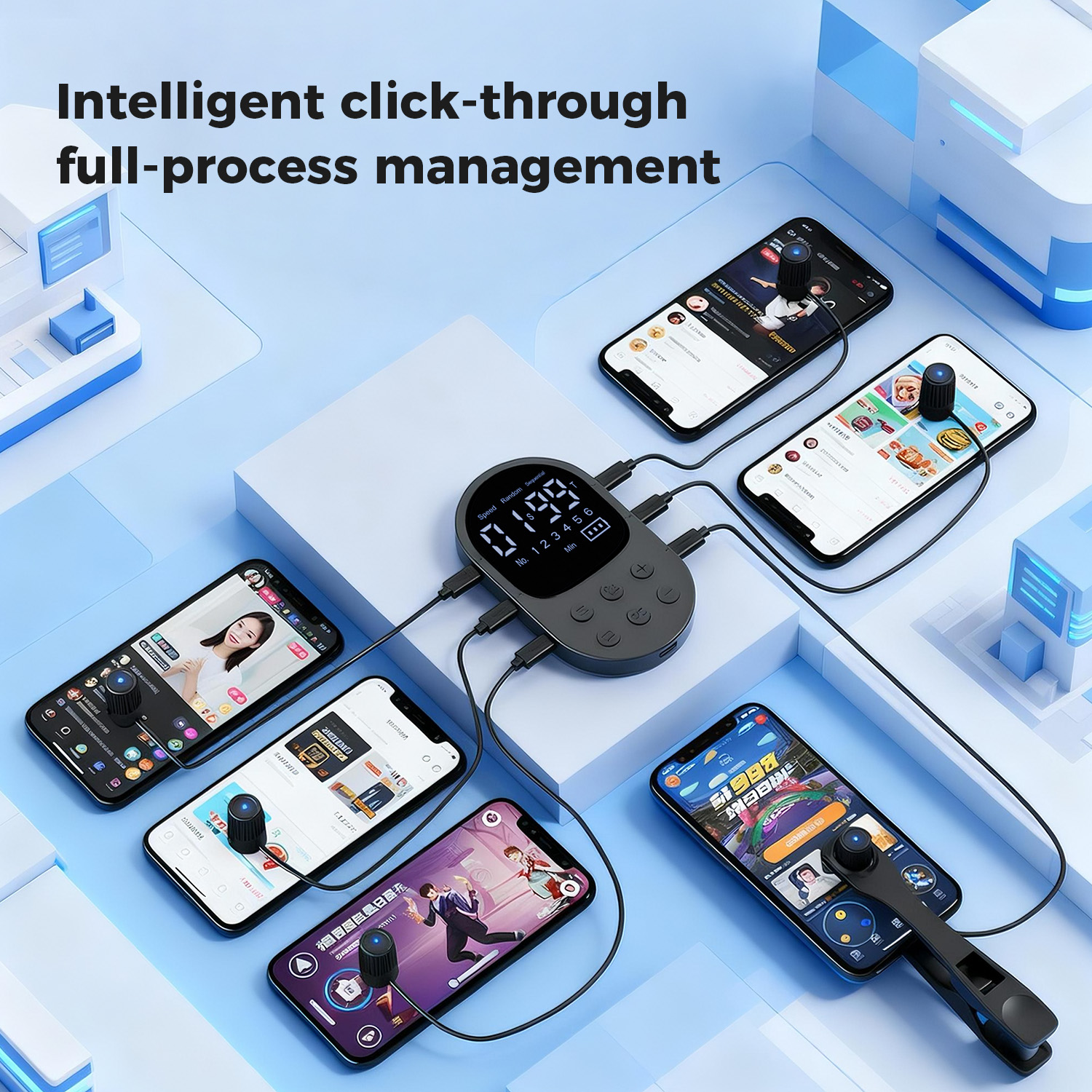
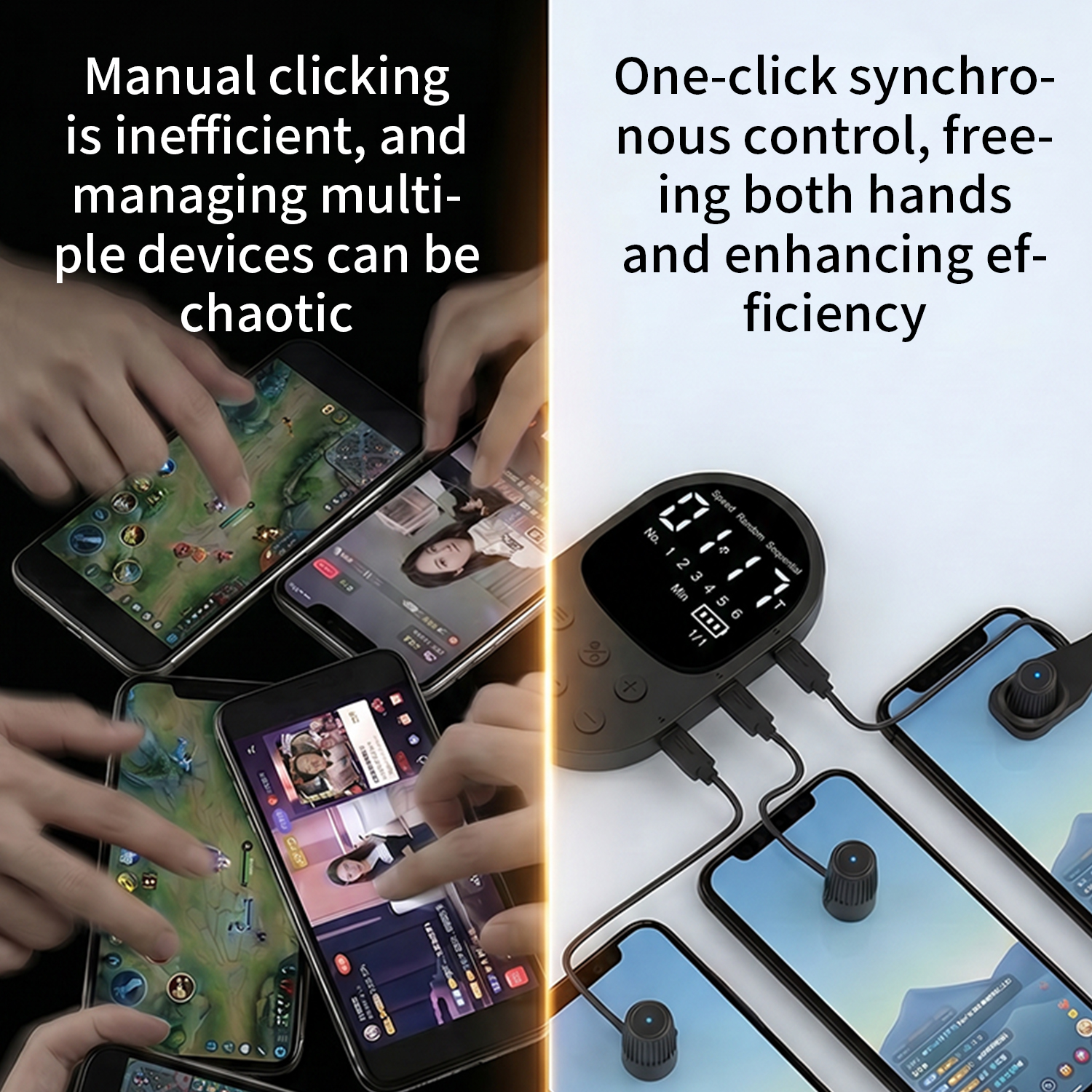
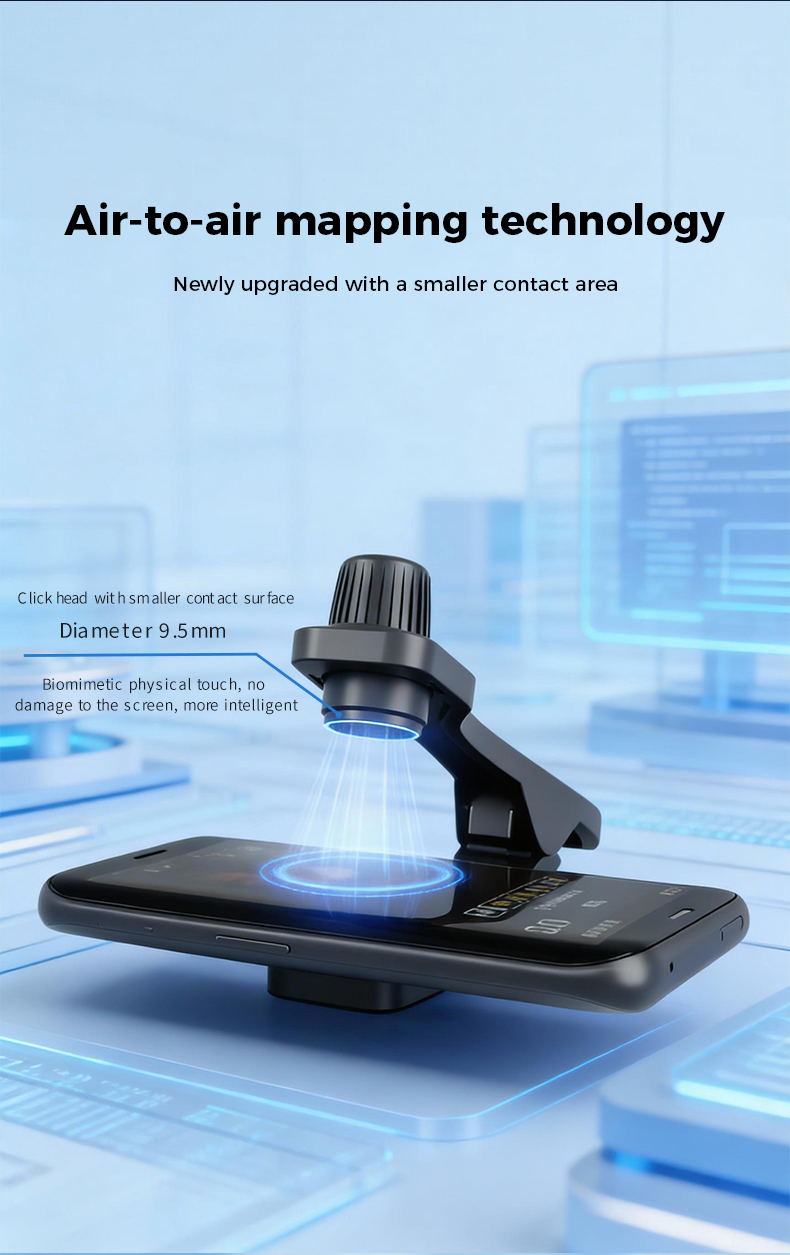
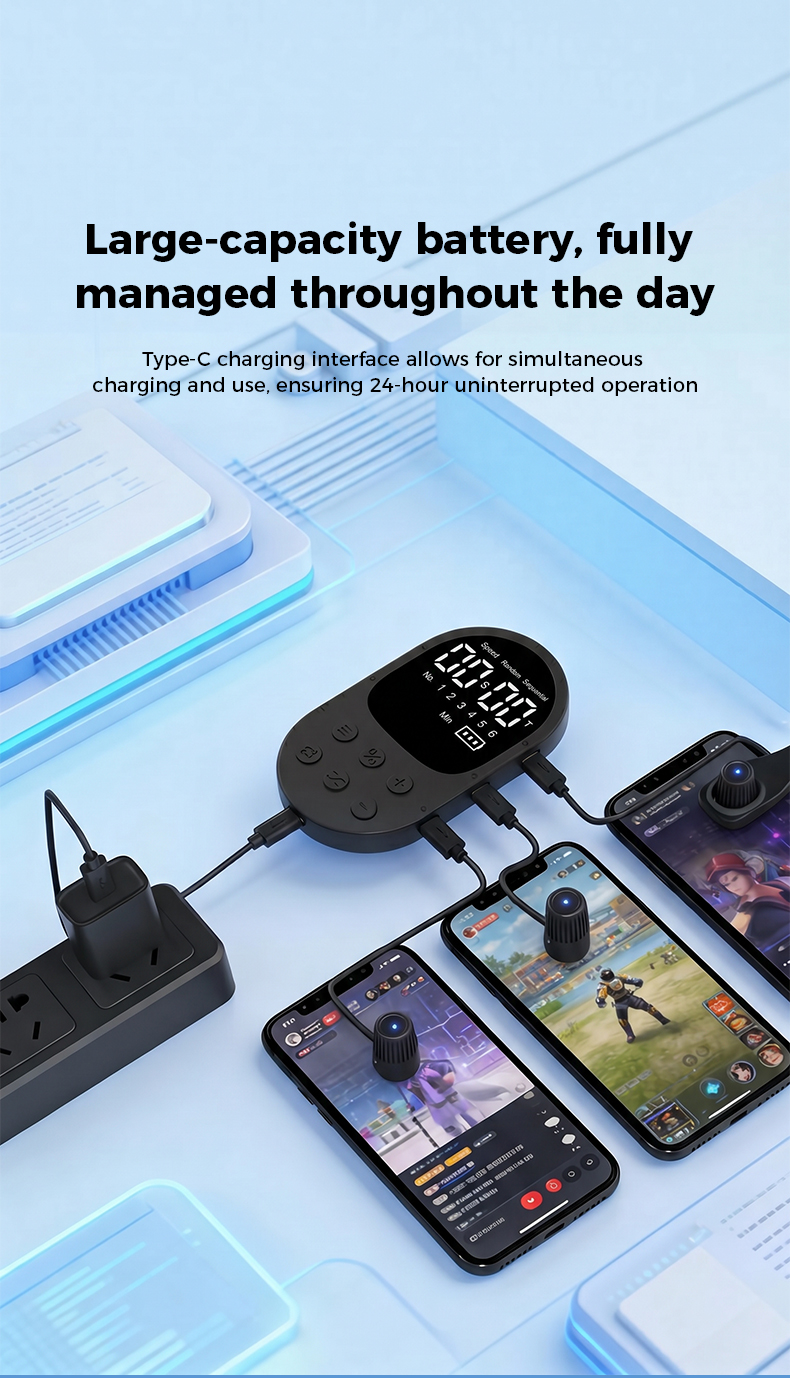
Each click head connects by cable for clear, reliable operation without wireless pairing.
Use the display and physical buttons without installing an app or creating an account.
Getting started
Package information
Orders are processed within 2 business days and are estimated to arrive about 7 business days after dispatch via Yanwen.
Manual & warranty
Verified buyer reviews
Only customers invited through a completed LottoMigo order can submit a verified-purchase review.
After delivery, verified buyers may receive a private invitation to share honest feedback.
Product FAQ
The current product images show six SKUs: one controller with one, two, three, four, five or six click heads.
No. The current product materials show on-device control through its display and buttons.
No. The number of click heads depends on the configuration selected.
The X1 can be configured for one tap every 999 minutes, equal to 16 hours and 39 minutes.
Yes. The operating time and tap count can be set separately for each connected head.
No. Each click head uses a wired connection for stable control without pairing.
Set that port to 0 seconds and 0 taps. The controller will skip it during the 1–6 sequence.
Learn before you choose
Practical setup and buying guidance written for touchscreen auto clicker users.
Set up the controller, place the touch heads, choose a mode, and test the timing safely.
Read guide02Compare 1, 3, and 6-head setups before choosing an X1 configuration.
Read guide03Understand the practical differences between a physical touch device and software automation.
Read guideRelated products
Sales & wholesale inquiry
Email the sales team with your selected SKU, quantity, order number or destination country. Wholesale and volume-order questions are welcome.
Wholesale inquiry · support@lottomigo.com